
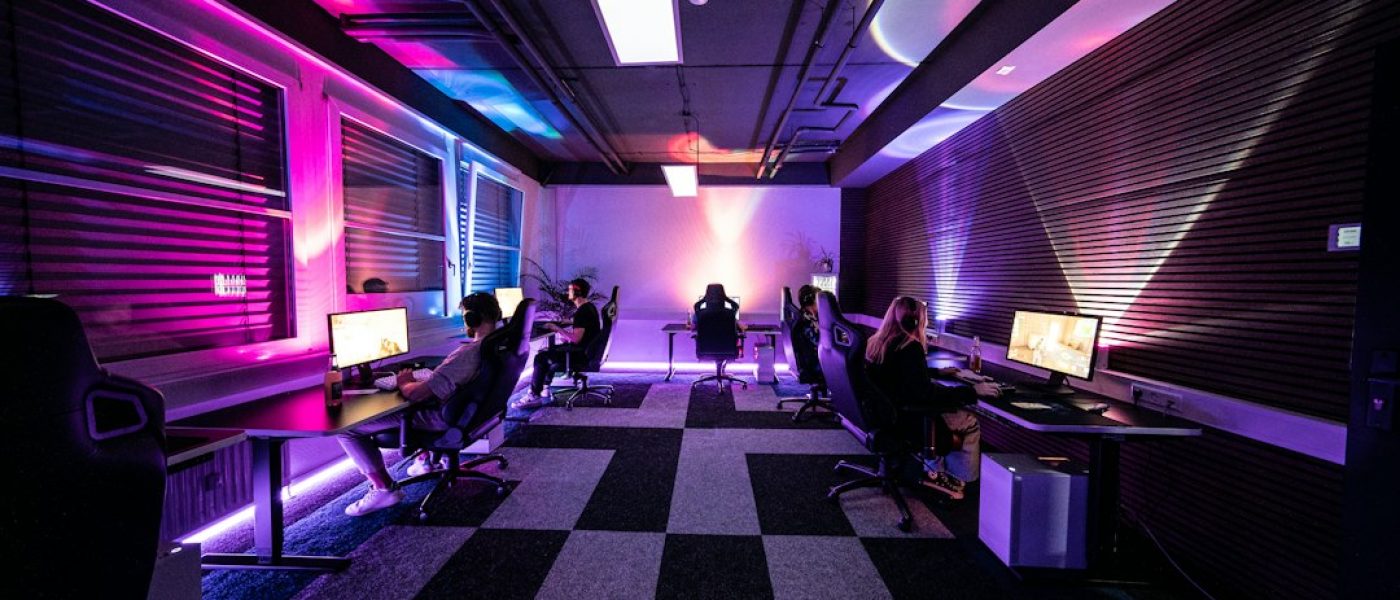
In the fast-paced world of gaming, having the right equipment can make all the difference. One of the most crucial components for any serious gamer is a high-quality gaming monitor. At pixelsharbors.com, we understand the importance of a monitor that not only enhances your gaming experience but also provides the clarity and responsiveness needed to stay competitive. In this article, we will explore the must-have features of gaming monitors and how to choose the right one for your setup.
Understanding Refresh Rate
The refresh rate of a gaming monitor is one of the most important specifications to consider. Measured in hertz (Hz), the refresh rate indicates how many times per second the image on the screen is refreshed. For gamers, a higher refresh rate means smoother gameplay and reduced motion blur. Monitors with refresh rates of 144Hz or higher are ideal for fast-paced games, allowing for a more fluid visual experience that can give you a competitive edge.
When selecting a monitor, consider your gaming style. If you play competitive first-person shooters or racing games, a monitor with a refresh rate of 240Hz may be worth the investment. However, for casual gamers, a 144Hz monitor is often sufficient. Additionally, ensure that your graphics card can support the monitor’s refresh rate to fully utilize its capabilities.
Resolution Matters
Resolution is another critical factor that impacts your gaming experience. The higher the resolution, the more detail you can see on the screen. Common resolutions include Full HD (1920×1080), Quad HD (2560×1440), and 4K (3840×2160). While 4K monitors offer stunning visuals, they require powerful hardware to run games smoothly at that resolution.
For most gamers, a Quad HD monitor strikes the perfect balance between performance and visual fidelity. It provides a significant upgrade over Full HD without the demanding hardware requirements of 4K. When choosing a resolution, also consider the size of the monitor; larger screens benefit from higher resolutions to maintain image clarity.
Panel Technology Explained
The type of panel used in a gaming monitor can greatly affect color accuracy, viewing angles, and response times. The three main types of panels are Twisted Nematic (TN), In-Plane Switching (IPS), and Vertical Alignment (VA). TN panels are known for their fast response times, making them ideal for competitive gaming, but they often lack in color accuracy and viewing angles.
On the other hand, IPS panels offer superior color reproduction and wider viewing angles, making them perfect for immersive gaming experiences. VA panels provide excellent contrast ratios, which can enhance the visual depth of games. Depending on your gaming preferences, you may want to prioritize one panel type over another.
Adaptive Sync Technologies
Adaptive sync technologies, such as NVIDIA’s G-SYNC and AMD’s FreeSync, are designed to eliminate screen tearing and stuttering during gameplay. These technologies synchronize the monitor’s refresh rate with the graphics card’s frame rate, resulting in a smoother gaming experience. If you want to maximize your gameplay, investing in a monitor that supports one of these technologies is highly recommended.
When shopping for a gaming monitor, check for compatibility with your graphics card. Many modern monitors come with FreeSync support, which is often more accessible for gamers using AMD graphics cards. However, if you have an NVIDIA card, look for monitors that specifically support G-SYNC to ensure optimal performance.
Step-by-step plan:
Step 1: Determine your gaming style and preferences to identify the features you need. Step 2: Research monitors that fit your budget while meeting your desired specifications. Step 3: Read reviews and watch comparison videos to see how different monitors perform in real-world scenarios. Step 4: Purchase your chosen monitor from pixelsharbors.com and enjoy an enhanced gaming experience.