
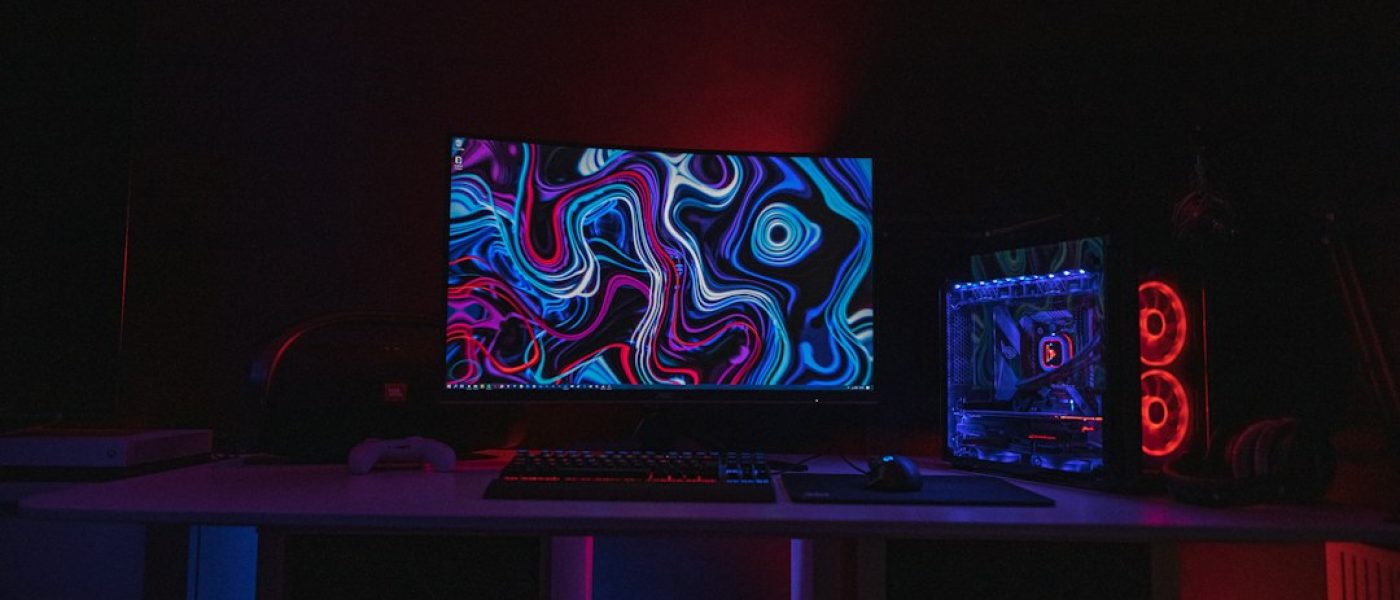
Choosing the right gaming monitor can be a daunting task, especially with the myriad of options available today. As a passionate gamer, I found myself overwhelmed by the choices at pixelsharbors.com, an eCommerce platform dedicated to providing top-notch gaming monitors. I remember my friend Alex, who faced similar challenges when upgrading his setup, and how he navigated through the features to find the perfect monitor for his needs.
Refresh Rate
One of the first features Alex considered was the refresh rate of the monitor. A higher refresh rate means smoother gameplay, which is crucial for fast-paced games. Alex learned that monitors with refresh rates of 144Hz or higher provide a significant advantage, reducing motion blur and making it easier to track fast-moving objects on screen. He realized that for competitive gaming, this feature could be the difference between victory and defeat.
After researching, Alex decided on a monitor with a 165Hz refresh rate, which offered an impressive performance boost over his old 60Hz display. He was amazed at how much smoother his games felt, especially during intense firefights in first-person shooters. The upgrade not only enhanced his gaming experience but also improved his reaction times, making him a more formidable opponent.
Response Time
Another critical aspect Alex focused on was the response time of the monitor. This metric indicates how quickly a pixel can change from one color to another, which is vital for reducing ghosting effects. Alex discovered that a response time of 1ms is ideal for gaming, as it minimizes blurring during fast action sequences. He learned that monitors with higher response times could lead to a less enjoyable gaming experience.
After comparing various models on pixelsharbors.com, Alex found a monitor with a 1ms response time that fit his budget. The difference was night and day; he could now enjoy his favorite games without the distracting ghosting that plagued his previous monitor. This feature not only improved his gameplay but also made watching movies and streaming content a more enjoyable experience.
Resolution
Resolution is another essential feature that Alex had to consider. Higher resolutions provide more detail and clarity, enhancing the overall visual experience. He learned about the differences between 1080p, 1440p, and 4K resolutions, and how each could impact his gaming experience. For Alex, 1440p was the sweet spot, offering a significant upgrade over 1080p without the demanding hardware requirements of 4K.
Once he settled on a 1440p monitor, Alex was blown away by the vibrant colors and sharp details in his games. The landscapes in his favorite RPGs felt more immersive, and he could spot enemies from further away in competitive shooters. This resolution not only elevated his gaming but also made him appreciate the artistry behind game design.
Panel Type
The type of panel used in a monitor can greatly affect color accuracy and viewing angles. Alex learned about the three main types: IPS, TN, and VA panels. He discovered that IPS panels offer the best color reproduction and viewing angles, making them ideal for gaming and content creation. Although TN panels are faster, they often sacrifice color quality, which was not acceptable for Alex.
Ultimately, Alex chose an IPS panel for his new monitor. The colors were vibrant, and he could view the screen from various angles without any loss of quality. This feature made his gaming sessions more enjoyable, especially when friends joined him for multiplayer games, as everyone could see the action clearly from different positions.
Adaptive Sync Technology
Lastly, Alex explored adaptive sync technology, which helps eliminate screen tearing and stuttering during gameplay. Technologies like NVIDIA G-SYNC and AMD FreeSync are designed to synchronize the monitor’s refresh rate with the graphics card’s output. Alex realized that investing in a monitor with this feature would enhance his gaming experience significantly.
After selecting a monitor with FreeSync support, Alex noticed a remarkable difference in his gameplay. The smoothness and fluidity of the graphics made it feel like he was truly part of the game world. This feature not only improved his performance but also reduced eye strain during long gaming sessions, allowing him to enjoy his favorite titles for hours on end.
Lesson learned: When choosing a gaming monitor, it’s essential to consider features like refresh rate, response time, resolution, panel type, and adaptive sync technology. By understanding these elements, gamers can make informed decisions that enhance their overall experience and performance.