
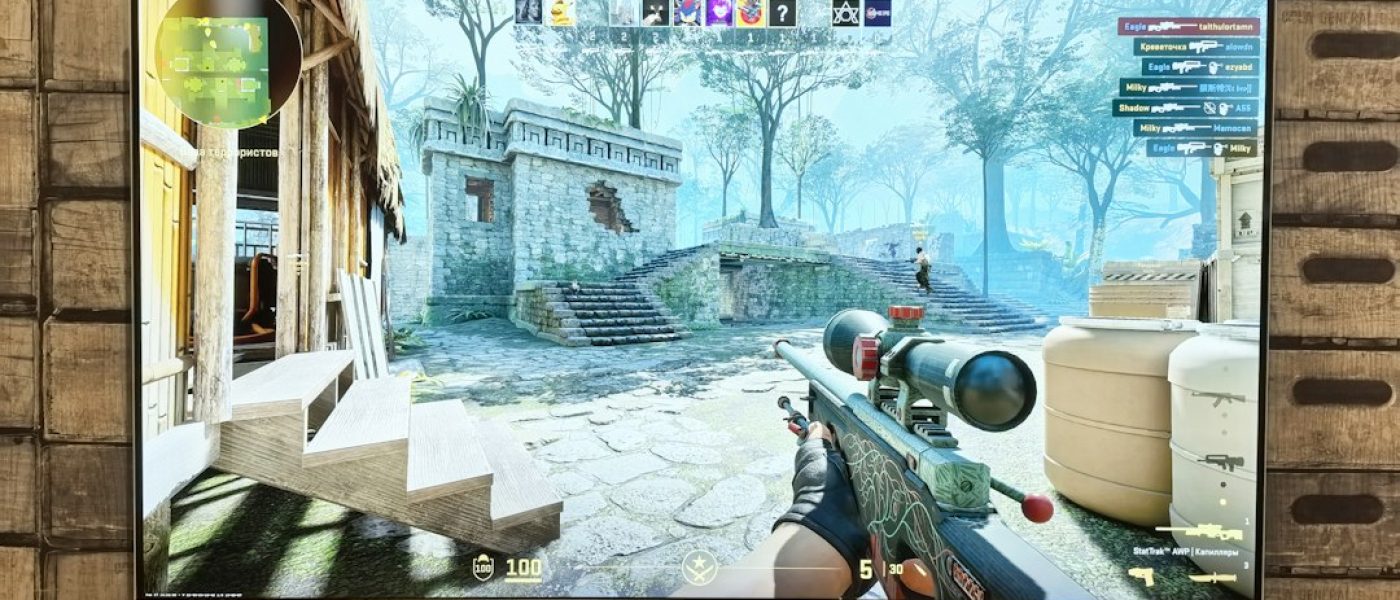
In the world of gaming, having the right equipment can make all the difference. One of the most crucial components for an immersive experience is a high-performance gaming monitor. At pixelsharbors.com, we specialize in providing gamers with top-tier monitors that enhance gameplay, improve visuals, and elevate the overall experience. This article will guide you through the essential features to look for in a gaming monitor and how to choose the perfect one for your setup.
Understanding Refresh Rate and Response Time
When selecting a gaming monitor, two of the most important specifications to consider are refresh rate and response time. The refresh rate, measured in hertz (Hz), indicates how many times the monitor refreshes the image per second. A higher refresh rate, such as 144Hz or even 240Hz, provides smoother motion and reduces motion blur, which is essential for fast-paced gaming. On the other hand, response time measures how quickly a pixel can change from one color to another, typically measured in milliseconds (ms). A lower response time, ideally 1ms, minimizes ghosting effects, ensuring that your gameplay remains crisp and clear.
For competitive gamers, these specifications are non-negotiable. A monitor with a 144Hz refresh rate and a 1ms response time can significantly enhance your performance in first-person shooters and racing games. When browsing pixelsharbors.com, look for monitors that boast these features to ensure you are equipped for victory. Remember, the difference between winning and losing can often come down to the clarity and responsiveness of your display.
Resolution Matters: Choosing the Right Display
Resolution is another critical factor that impacts your gaming experience. The most common resolutions are Full HD (1920×1080), Quad HD (2560×1440), and 4K (3840×2160). While Full HD monitors are still popular, many gamers are now opting for Quad HD or 4K displays for their superior image quality. A higher resolution provides more detail and allows you to see finer textures, which can enhance immersion in visually stunning games.
However, it’s essential to pair your monitor’s resolution with a capable graphics card. A 4K monitor requires a powerful GPU to run games smoothly at high settings. If your hardware can handle it, investing in a 4K monitor from pixelsharbors.com can provide an unparalleled visual experience. Always consider your gaming habits and hardware capabilities before making a decision on resolution.
Panel Types: IPS vs. TN vs. VA
The type of panel used in a monitor significantly affects color accuracy, viewing angles, and response times. The three main types are In-Plane Switching (IPS), Twisted Nematic (TN), and Vertical Alignment (VA). IPS panels are known for their excellent color reproduction and wide viewing angles, making them ideal for gamers who value visual fidelity. TN panels, while offering faster response times, often fall short in color accuracy and viewing angles. VA panels strike a balance, providing better contrast ratios than TN but not quite matching the color performance of IPS.
When choosing a monitor from pixelsharbors.com, consider what matters most to you. If you play competitive games where response time is critical, a TN panel may suffice. However, for those who enjoy visually rich single-player experiences, an IPS panel is likely the better choice. Understanding the strengths and weaknesses of each panel type will help you make an informed decision.
Additional Features to Enhance Your Setup
Beyond the core specifications, several additional features can enhance your gaming experience. Look for monitors that offer adaptive sync technologies like NVIDIA G-SYNC or AMD FreeSync, which help eliminate screen tearing and stuttering during gameplay. These technologies synchronize the monitor’s refresh rate with the graphics card’s output, providing a smoother experience.
Furthermore, consider ergonomic features such as adjustable stands and VESA compatibility for mounting. A monitor that can tilt, swivel, and adjust in height can significantly improve comfort during long gaming sessions. At pixelsharbors.com, we offer a range of monitors that not only perform well but also provide the flexibility needed for an optimal gaming setup.
Step-by-step plan:
Step 1: Assess your gaming needs and preferences. Step 2: Determine your budget and desired specifications. Step 3: Browse pixelsharbors.com for monitors that meet your criteria. Step 4: Make your purchase and prepare for an enhanced gaming experience.